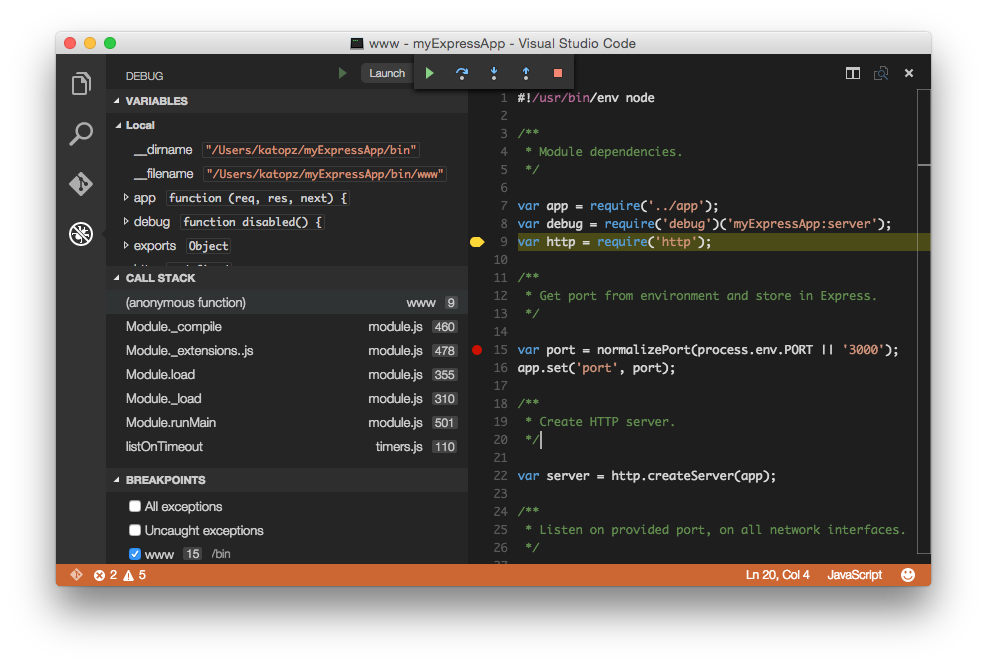
M$ just
release (with hard to find link to)
Visual Studio Code and yes it's temping to try another cross-platform tool, so here we go!
let start with nodejs yeah!
First trap!
$ npm install -g express
npm ERR! Error: EACCES, mkdir '/usr/local/lib/node_modules/express'
@katopz : No worry! sudo is here to help
$ sudo npm install -g express
2nd trap!
$ cd myExpressApp
$ code .
-bash: code: command not found
@katopz : That's because you missing this step
here tl;dr just open (replace "katopz" with your cool name)
/Users/katopz/.bash_profile then add code below, save, reopen your terminal
code () {
    if [[ $# = 0 ]]
    then
        open -a "Visual Studio Code"
    else
        [[ $1 = /* ]] && F="$1" || F="$PWD/${1#./}"
        open -a "Visual Studio Code" --args "$F"
    fi
}
@katopz : Or just forget that! And "open" with Visual Studio Code that you downloaded
$ sudo npm install -g express